
Everything you need to run your club
Clear, illustrated, step-by-step guides written for real managers. Start with your profile, then work outwards.
36 guides
Tactics and formation: the complete guide
The formation board, 27 team instructions, 29 player instructions, 8 set-piece duties and 5 substitutions — what every setting does, and the eight that matter most.
Academy player development: how to build a professional
Every Academy player starts at rating 35 and a market value of 1 coin. Here is exactly how training, match minutes, opposition quality and competitive football turn them into a first-team asset.
How to buy USDC and join the private sale
A step-by-step guide from your local currency to LONIDA: buying USDC on Binance or Bybit, converting if you need to, and sending it on the Polygon network.
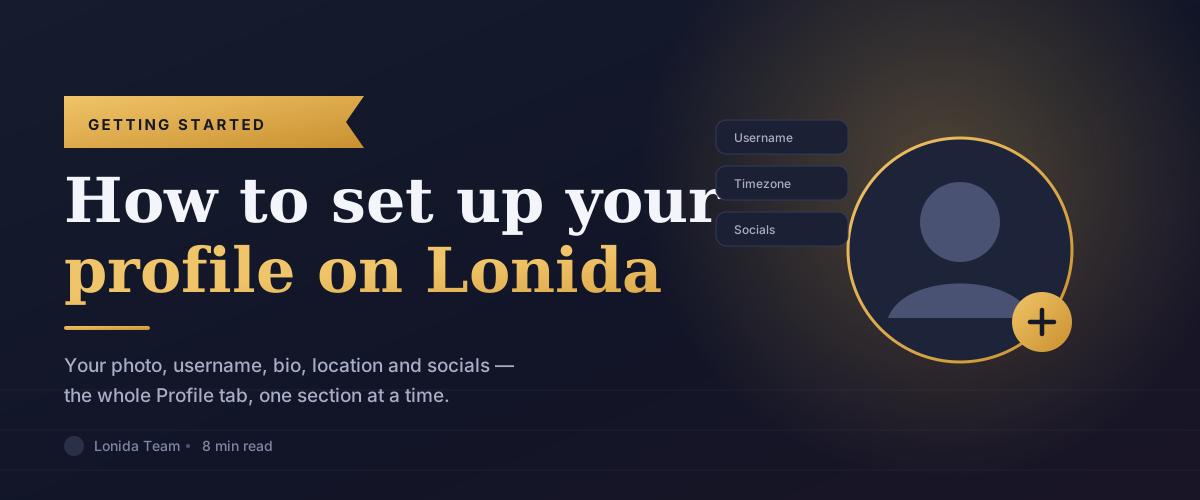
How to set up your profile on Lonida
A complete walkthrough of the Profile tab in your Lonida account: your photo, name and username, your bio, your location and timezone, and your social links — with what each field does and why it matters.
The Training Ground: raising your players skills
How player training works: choosing a skill, choosing how big a step to buy, what decides the price, how part-points are banked, the cooldown and daily limits, batch training and auto-training - and how a player market value is worked out from the cost of training one.
Loaned players can earn for their parent clubs
A player you loan out is still your asset. If the club borrowing him wins prize money or a qualification reward and he helped them do it, a share can come back to you — worked out from what he actually contributed, not a flat percentage.
Understanding your Lonida dashboard
What every panel on your Lonida dashboard actually means — your club summary, squad value, community activity, news, fixtures and messages — and which numbers are worth watching.
The Activities tab: your account history log
How the Activities tab records everything that happens on your account — logins, profile edits, team changes, transfers, wallet movements, security events and settings changes — and how to use the filters to find what you need.
Managing your team: roles, invites and permissions
How to invite people to help run your club, what each of the four roles is allowed to do, what the different invite statuses mean, and exactly who is permitted to spend from the club wallet.
Securing your account: PIN, two-factor and account deletion
How to set a six-digit PIN, turn on two-factor authentication, what happens after too many wrong attempts, and what deleting your account actually does.
Sessions: seeing and revoking your signed-in devices
Every device currently signed in to your Lonida account, what the details mean, and how to cut off access to one you do not recognise.
Settings: theme, language, notifications and login verification
Every preference in the Settings tab explained — how you appear, how you log in, who can message you, and precisely which emails and in-app alerts you receive.
Your Lonida wallet: balance, deposits, swaps and withdrawals
How the club wallet works — generating your Polygon address, funding it, swapping USDC into LONIDA, withdrawing, and the confirmation codes and permissions that protect every movement of real value.
Topping up: buying LONIDA from another manager
How P2P top-ups work from the buyer's side — choosing an offer, paying safely, getting your coin, and what to do when something goes wrong.
The Private Sale: reserving LONIDA before launch
How the Lonida private sale works — the reservation amounts, the two-million-coin pool, how funding is detected automatically from your USDC balance, and why a refund address is worth setting.
Selling LONIDA: the vendor guide
Becoming a vendor, pricing your offers with a margin, running a trade safely, and the one mistake that costs vendors real money.
Club Overview: your club's identity and vital signs
The Overview tab explained — squad value, squad size, competitions and pending requests, plus how to set your club motto, colours, badge, banner and the location you can only choose once.
The Squad tab: your players and their attributes
How to read your squad — ratings, the pace, shooting and defending summary, the full attribute breakdown across nine categories, and player appearance.
Transfers: making and answering offers for players
How transfer requests work in both directions — the fifty-percent wallet rule for making an offer, what happens to incoming offers, and why a good reason genuinely improves your chances.
Loans: borrowing and lending players
How player loans work on Lonida — proposing a loan fee and duration, what happens to your squad while a player is out, and how loan requests are answered.
My Listings: tracking your players on the market
The My Listings tab shows every player of yours currently on the transfer market, their buy-now price and every bid received — so you can judge an offer before answering it.
Jersey Design: building your club's kit
How to design your home and away kits — colours, patterns and custom textures — and the one situation in which the jersey editor locks completely.
Friendlies: arranging matches with other clubs
How to challenge another club to a friendly - choosing an opponent, the minimum fee, the date rules including the platform kickoff date, how challenges are accepted, and how to cancel an approved friendly and what that costs.
Browse Market: buying players by bid or buy-now
The open transfer market — how bidding works, how buy-now differs, what is checked before a purchase goes through, and how to judge whether a player is worth the money.
All Transfers and Loan Moves: reading the whole market
The two activity feeds on the Market page — every completed transfer and every loan move across the platform — and how to use them to price your own squad.
Games: fixtures, standings and tournaments
The three tabs of the Games page — your upcoming fixtures, the league tables you appear in, and the tournaments and cup brackets your club can enter.
The Community: posting, commenting and earning posting rights
How the Lonida community works — the exact requirements you must meet before you can create posts, what you can attach to a post, the thirty-minute edit window, and how following works.
Your History: posts, comments, likes and followers
The History page collects everything you have done in the community into four tabs, and lets you follow back the people who followed you.
Public profiles: how other managers see you
Your public profile page explained — what visitors see, the four tabs on it, and the three actions other managers can take: message, gift and follow.
Public club pages: your club's shop window
Every club has a public page with six tabs — overview, squad, competitions, friendlies, gifts and news — visible to anyone, signed in or not.
The Lonida affiliate programme: earning from referrals
Share your link, and earn 20% of Lonida's fee on every transfer, loan, friendly, gift and AI image the members you refer generate — paid to your wallet, for as long as they play.
Coin loans: what changes for your club
Exactly what a club with an active coin loan can and cannot do - listing, bidding, free agents, withdrawals and direct requests - and how to get clear again.
Campaigns: earning LONIDA by completing brand tasks
Brands pay for small tasks in the Fans Lounge - a post, a share, a sign-up. Do the task, send your proof, and the reward is paid into your wallet in LONIDA. Joining costs nothing and you are not competing with anyone.
The Partner's Lounge: running a campaign on Lonida
How to build, fund and launch a campaign - what each step of the builder asks for, how the reward and budget work, who you can restrict it to, and what happens after you submit it for approval.
Reviewing campaign submissions
The review queue: what you see on each submission, the three answers you can give, when a member is paid, and how to keep a campaign moving without paying for work that does not meet the brief.
Community Tournaments: joining one, and running your own
Competitions built by managers rather than by Lonida. Pay an entry fee, play for a real prize pot - or design your own tournament, bring the clubs, and keep a share of what it raises.
Can't find what you need?
More guides are on the way. If something is missing or unclear, tell us and we'll write it.
Contact us